How to do it
- Choose For myself or I help someone else, and finish the short setup.
- Create or select the person who will follow the routine.
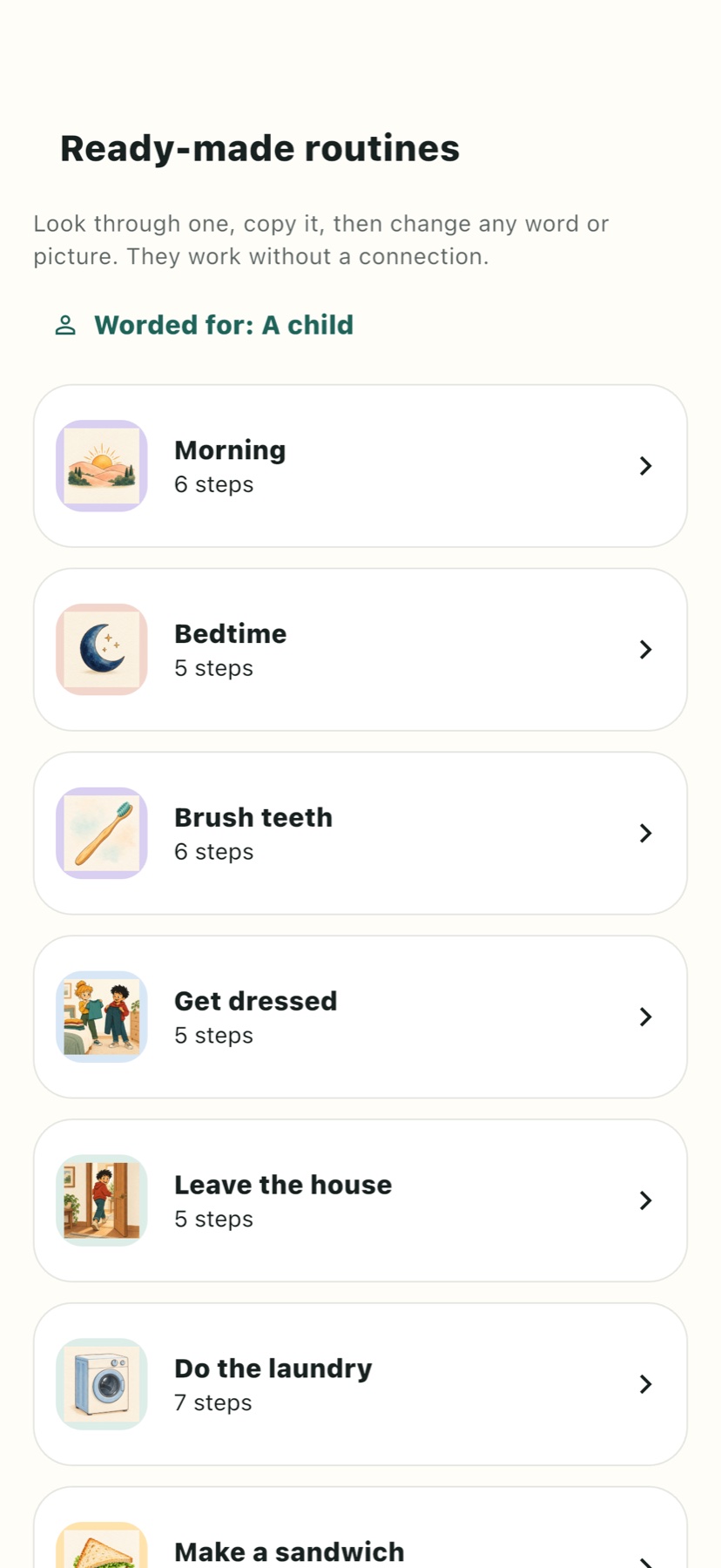
- Choose a starter routine, or create a new routine and add cards in order.
- Write one concrete action on each card. Use the original picture library or your own photo to make the action recognisable.
- If helpful, add a familiar recorded voice or a silent timer. Try the sequence yourself before handing it over.
- Run it on the same phone, or connect the person's own device. Adjust the wording and number of steps when something is confusing.
Make it easier to use
Use words the person already understands. A card such as Put on your shoes is easier to act on than Get ready. If one card hides several actions, split it into smaller steps. Leave out timers that add pressure rather than useful information.
AI can offer a first draft from a typed goal or short dictation, but a person should read and adapt it. Check the order, remove irrelevant cards and replace generic pictures with familiar objects when needed. The routine is your plan, not an assessment of anybody's ability.