How to do it
- Open a routine in the editor and select the card you want to improve.
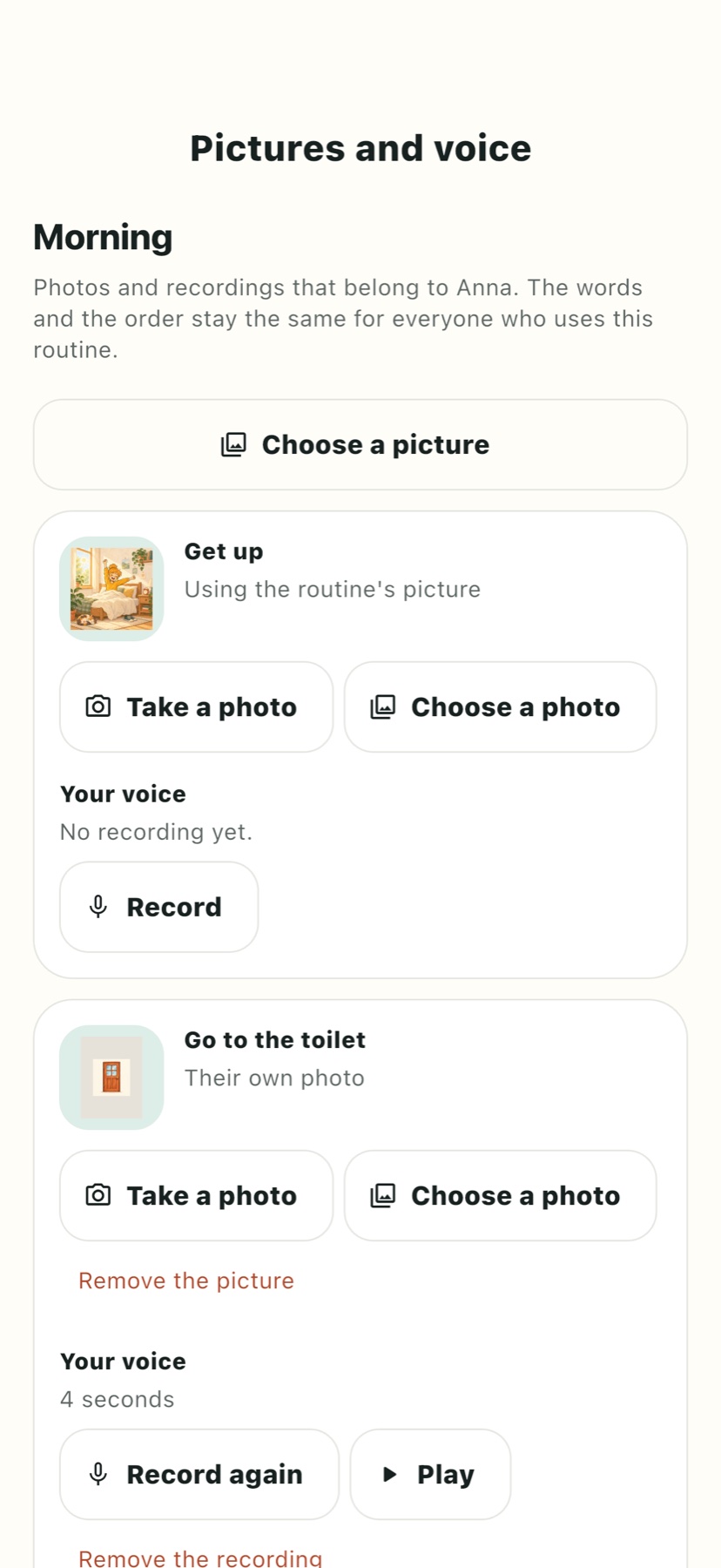
- Open its picture choice and search the built-in library in the app's language.
- Choose an illustration, or take or choose a photo of the real object for the card.
- Keep the written instruction short and consistent with the picture.
- Record a familiar voice if hearing the words is useful. Listen to the recording before saving it.
- Open the routine on the participant device while online, then check that the picture and audio are available before testing offline.
Make it easier to use
Show the cupboard rather than a whole cluttered room; show the shoes rather than a distant person. You can change a planning card's photo without turning it into a proof request. A proof-photo step is a different feature: it asks for a new camera photo during the routine for a caregiver to review.
Voice recordings are optional. Avoid recording other people's private conversations, and obtain permission where appropriate. A timer is optional too: it does not make the next step happen automatically. Check the device's sound and accessibility settings if a recording cannot be heard.